
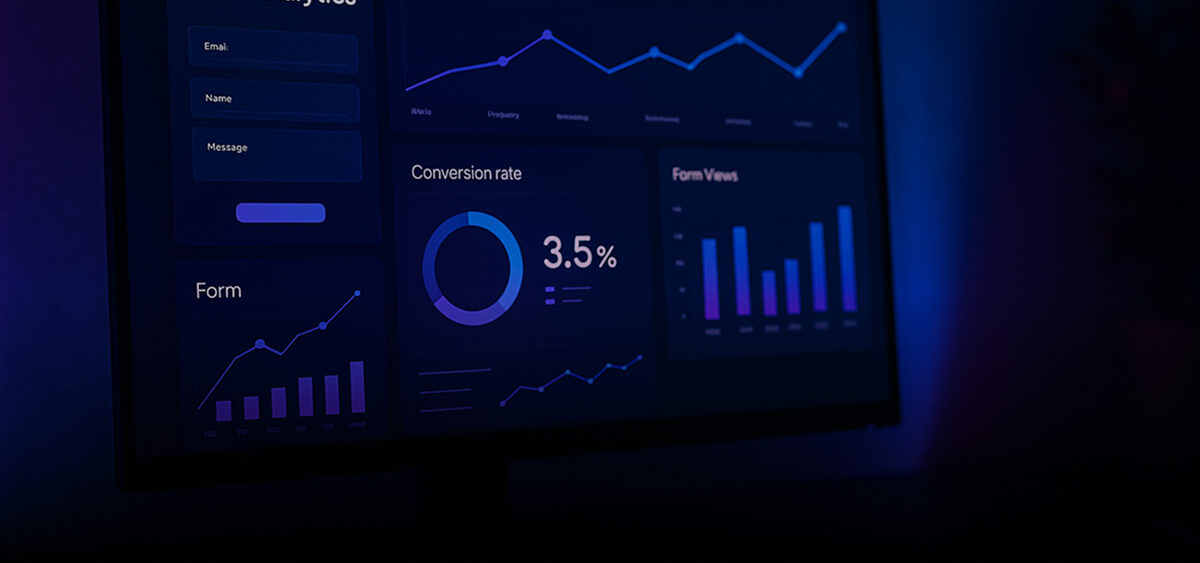
Think about how many times someone starts filling out a form on your website and never finishes. Each of those moments hides a clue: a hesitation, a friction point, or a lost opportunity. That’s exactly what form analytics helps you uncover. It shows what happens between the first click and the final “Submit”, revealing where people get stuck and why.
In this article, we’ll explore what data matters, how to track it, and how to turn your data collection process into a powerful tool for business growth.
Why form analytics matters for business
The way users interact with your website is the final bridge between interest and conversion. A single UX issue, a confusing field, unclear validation, or too many required details, can quietly block that path. Analytics tracking helps uncover these invisible barriers and fix them before they cost you leads. With the right form analytics tools, you can see where people hesitate, how they engage, and what prevents them
from completing the process. Instead of guessing, you rely on real data, turning friction into improvement.
Great analytics doesn’t just count completions. It tells a story about user intent, giving marketers, designers, and developers a shared understanding of what’s really happening on the page.
What data you can track with form analytics
To make data meaningful, focus on the signals that explain user behavior, not just numbers. Below are the form metrics worth tracking and why they matter.
Field interactions
This is where you spot the “pause moments.” Maybe users keep deleting their input in the phone number field or skipping a company name section. Those little hesitations often mean friction. By seeing where users stop or retype, you can simplify your form, rephrase labels, or even remove entire fields that don’t add value.
Partial and incomplete submissions
Not every visitor completes a submission, but even unfinished attempts can teach you a lot. Tracking partial completions through form analytics reveals how far users get before they drop off.
These insights often lead to simple but effective fixes: rearranging fields for better flow, improving mobile usability, or adding a progress bar to motivate users to finish. You can even use this data for remarketing or gentle follow-ups that encourage people to return and complete their submission.
Validation errors and failed attempts
Few things frustrate users more than unclear error messages. If people repeatedly fail validation, it’s often a sign that something isn’t intuitive. Monitoring errors shows you exactly where confusion happens, so you can refine instructions or input formats before users give up.
Historical log of form submissions
A clean record of every submission helps you see patterns over time: which campaigns drive quality leads, when activity peaks, and which forms perform best. It’s also invaluable for troubleshooting, data analysis, and aligning marketing insights with actual customer behavior.
How to implement form analytics on your website
You don’t need coding skills to start learning from user interactions. Below are three ways to track submissions: from quick manual setups to seamless automation.
Manual tracking with code snippets
If you’re comfortable with code, you can add JavaScript listeners or use google forms analytics via Google Tag Manager. This gives full control over what you track: from field focus and input timing to submission success. But it takes maintenance and a bit of technical know-how whenever you update your setup.
Using specialized tools and services
If you prefer automation, dedicated tools can track interactions, generate reports, and visualize data. They remove the guesswork and provide ready-made dashboards that highlight completion rates and bottlenecks. This approach saves time and guarantees accuracy, especially when managing multiple sites or campaigns.
Integrating Form Logger for data history and analytics
For ecommerce teams, Form Logger is the simplest way to manage submissions across platforms like Shopify, BigCommerce, Webflow, or InstaPage. Instead of scattered email notifications, you get an organized dashboard for tracking analytics, complete submission logs, and export options in CSV or Excel. It’s a true plug-and-play solution, no coding required, everything neatly stored, easy to review, and impossible to lose.
Advanced use cases of form analytics
Once tracking is in place, form analytics can do much more than show where people drop off. Businesses use it to:
- Identify high-intent leads by analyzing recurring submissions.
- See how each traffic source impacts completion rates and user engagement.
- Detect spam or suspicious activity based on unusual input patterns.
- Run A/B tests to compare different layouts or copy styles.
With the right insights, you can predict user behavior instead of reacting to it.
Best practices for form optimization with analytics
Optimization isn’t about collecting endless data, it’s about making every interaction smooth and meaningful. Here are the essentials that make your data collection work more effectively:
- Keep it short and purposeful. Ask only for what you truly need.
- Use clear labels and friendly error messages. Guide users instead of confusing them.
- Make it mobile-first. Small screens, big impact.
- Review analytics regularly. Tiny tweaks often bring the biggest gains.
- Integrate your tools. Connect your submission data to the CRM or marketing tools you already use and make follow-ups effortless.
Continuous testing and optimization are what turn every submission point into a reliable conversion engine.
How Form Logger helps with form analytics
Form Logger was built for teams that want clarity without complexity. It automatically logs every submission, keeps your data organized, and turns your forms into reliable sources of insight.
With Form Logger, you can:
- Access a full submission history anytime.
- Track trends across multiple platforms.
- Export structured data for deeper analysis.
- Eliminate the risk of losing leads to email chaos.
It’s not just about tracking forms — it’s about understanding your audience better with every submission.
Frequently asked questions
How does form analytics improve lead quality, not just quantity?
It helps you see who’s genuinely interested. By studying how users interact before submitting, you can spot patterns that separate real leads from casual visitors.
Can I recover lost leads with form analytics?
Yes, tracking incomplete or failed submissions allows you to follow up on potential leads who never finished their forms. Form Logger keeps those attempts visible instead of letting them disappear.
What tools integrate with form analytics?
Form analytics works well with CRMs, automation systems, and ecommerce platforms. Form Logger integrates natively with Shopify, BigCommerce, Webflow, and InstaPage.
What are the most common mistakes in form tracking?
Collecting too much data, ignoring validation errors, and skipping mobile testing. The best approach is simplicity backed by smart tracking.
Conclusion
Form analytics is your window into user behavior, it shows not just what happens but why. When you understand that, improving conversions becomes a science, not a guessing game.
If you want to make every submission count, it’s time to take control of your data. Try Form Logger for free and see how effortless and insightful form tracking can be.